
Spreadsheet apps in Lovable on a grid that’s already built
Name Handsontable DataGrid in your prompt, and Lovable configures a finished data grid instead of writing one. Your app gets sorting, filters, paste and undo that already work, for fewer credits.
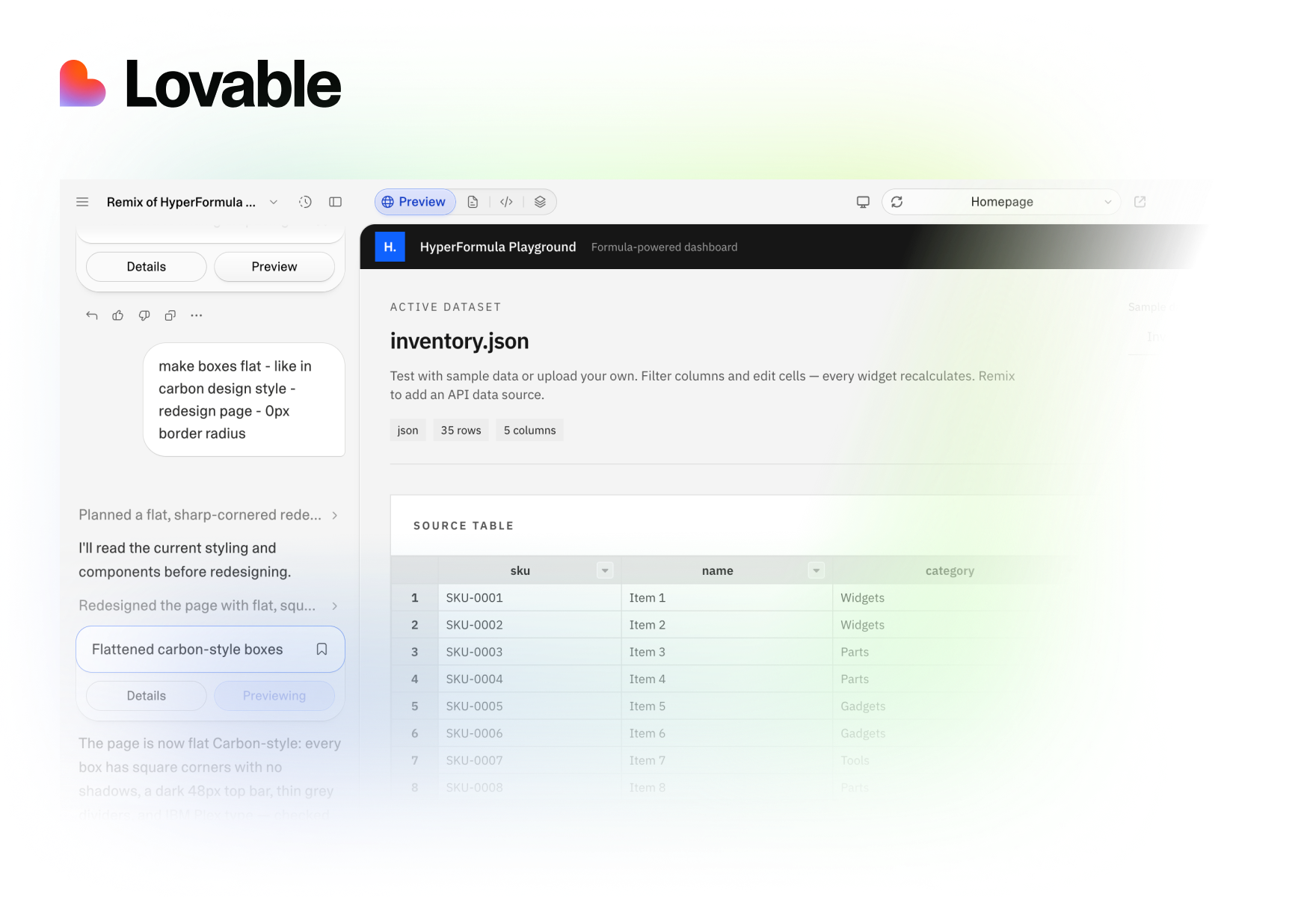
Product teams building on it







Let Lovable configure a grid instead of writing one
Ask Lovable for a spreadsheet-style grid, and it writes scrolling, sorting, filters, paste and undo from scratch. Ask for Handsontable DataGrid, and it sets options on a grid that already does all of that. We built the same CRM app both ways.
The HyperFormula Playground turns a file into a dashboard
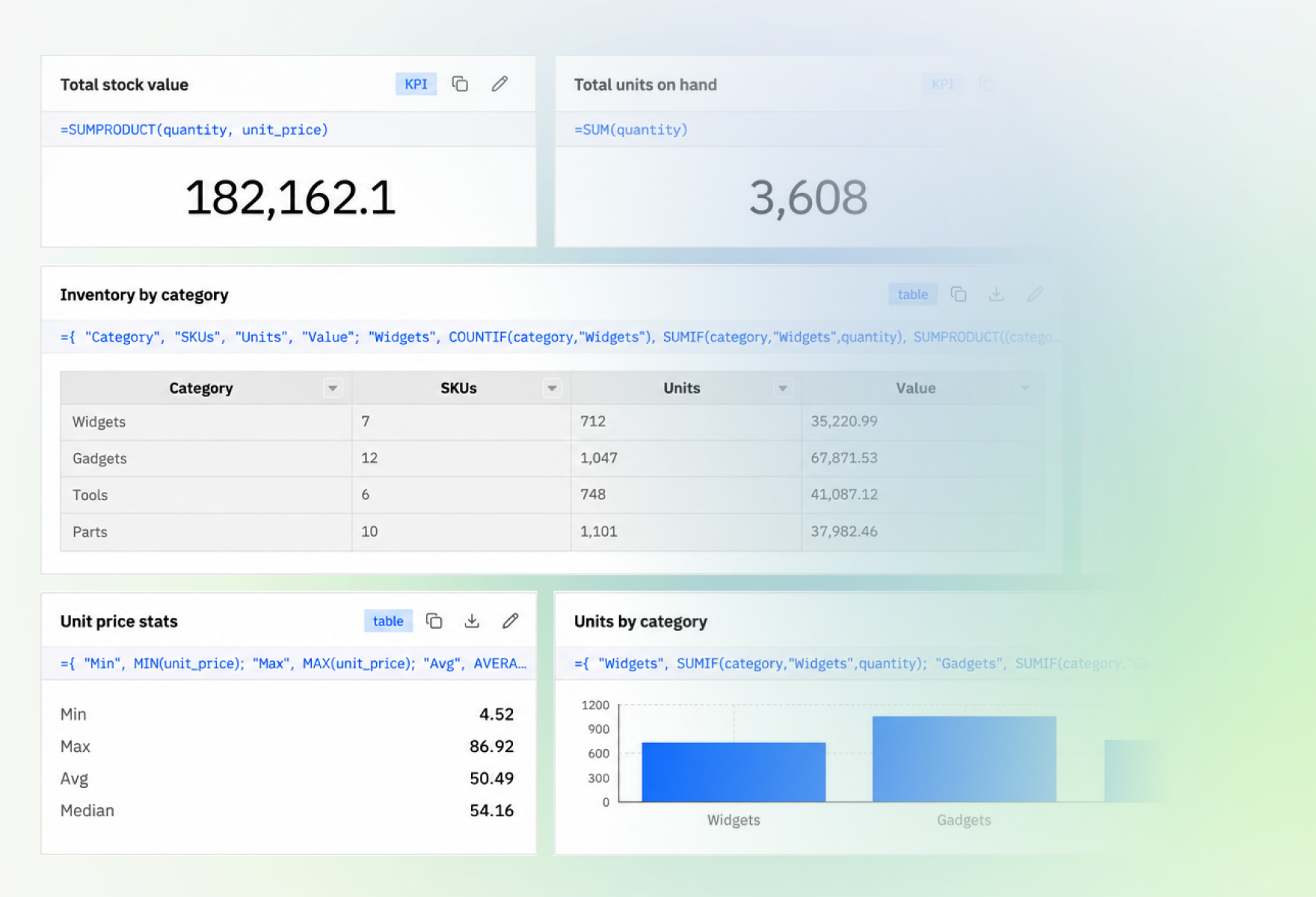
Load a CSV or JSON file, and every KPI, table and chart is one spreadsheet formula over it, like =SUM(amount). Edit a cell or filter a column, and HyperFormula recalculates every widget. An AI formula builder writes formulas from a plain request.
JevSheet fills a column from text and images
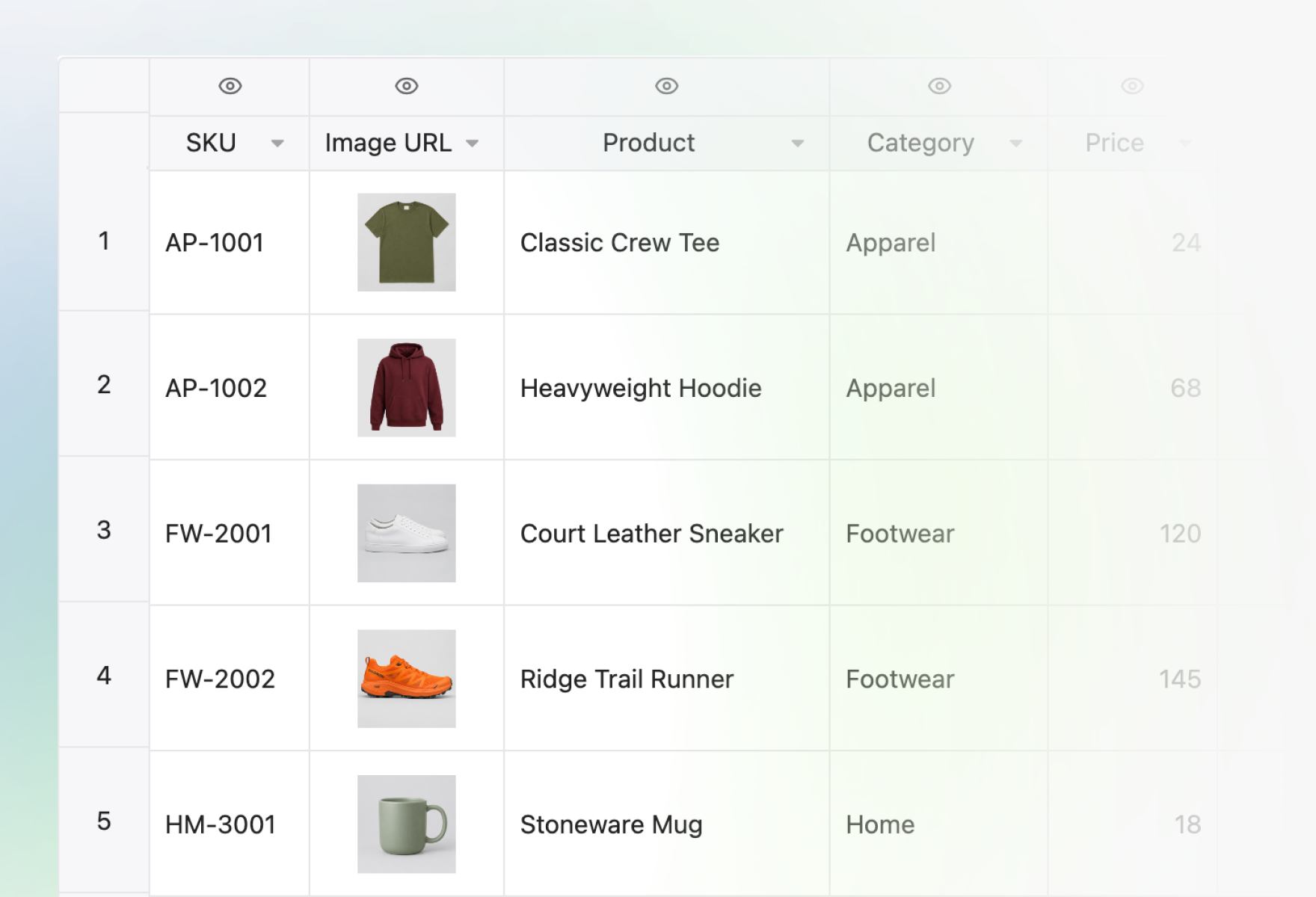
Add a column, ask a question about each row and list the answers you allow. Jev, a decision model from TypeSafe AI, reads the row and its photo and picks an answer, with a confidence you can sort. Samples cover product colors, banana ripeness and finding a barcode in a photo.
Name the grid in your prompt and teach the agent its API
Copy the prompt and change the table to yours. Then import our skills, so Lovable’s agent builds from the current API: a container with a set height, so the grid doesn’t render at 0px, a license key, and formulas HyperFormula can evaluate.
Build a CRM contacts table with Handsontable DataGrid.Columns: name, company, email, deal stage (dropdown), deal value (numeric), last contact (date).Users can sort, filter, edit cells and paste rows from Excel. Save every edit to the database.Show the total deal value under the table.Anonymous users are fine; don't add sign-in.
- In Lovable, open Workspace settings → Skills.
- Choose Add → Import from GitHub.
- Paste the link to the Handsontable DataGrid skill folder:github.com/handsontable/handsontable-skills/tree/main/skills/handsontable
- Repeat with the HyperFormula skill folder:github.com/handsontable/handsontable-skills/tree/main/skills/hyperformula
Importing a skill takes a workspace owner or admin.
Questions Lovable builders ask first
Licenses, data and building on the apps. Anything else goes to the team that builds the grid.
Talk to usFor evaluation and non-commercial projects there is a free non-commercial license. Building an app in Lovable doesn’t change that: a commercial app needs a commercial license. Once you have a key, ask Lovable to set it as the grid’s licenseKey setting. It goes in the app’s code, so it needs no Lovable secret.
Yes. HyperFormula runs under a commercial license, and you can evaluate it first with a trial license from our Sales team. The HyperFormula Playground ships with the gpl-v3 key in its code; replace it with your own key before you use the app in production.
Yes. Remix copies the project into your own Lovable workspace, where you change it like any other project; ours stays as it is. A copy of JevSheet doesn’t carry our Jev key: add your own as the JEV_API_KEY secret, and the 50-row limit is yours to change.
In JevSheet, only the first 50 rows are sent to Jev, and nothing is stored. Hide a column and it is not sent at all. In the HyperFormula Playground, HyperFormula calculates every formula in your browser; to write or suggest a widget, the AI formula builder sends your column names and a few sample rows to a model.
The skill gives Lovable’s agent the current Handsontable DataGrid and HyperFormula API, so it doesn’t build from an older version it learned.
Where to go from here
The test behind the figures, the story behind JevSheet and the docs for both libraries.
Guides
Code and demos
Build your next Lovable app on a grid that’s already built
Start a free trial, then name Handsontable DataGrid in your next prompt.