8 examples of useful Excel functions in HyperFormula
Our calculation engine supports over 380 functions in 16 languages. To get a quick glimpse of what HyperFormula has to offer—read on.

Our calculation engine supports over 380 functions in 16 languages. To get a quick glimpse of what HyperFormula has to offer—read on.
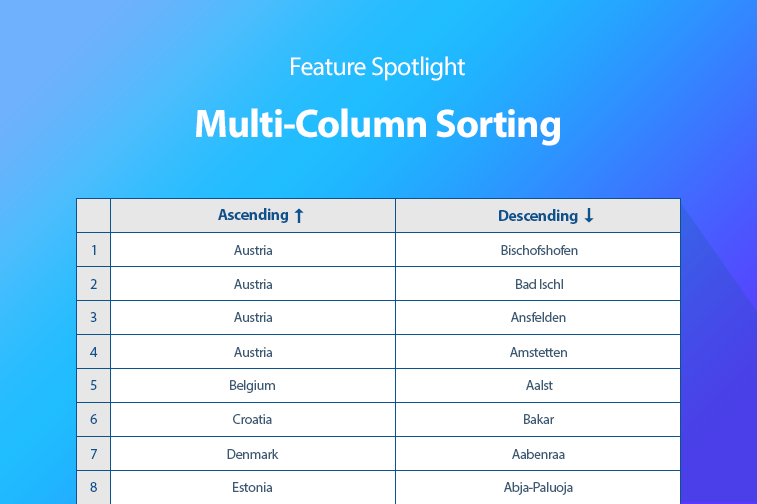
How multi-column sorting arrived in Handsontable 6.0.0, how the sorting mechanism works, why stability matters, and how to plug in custom compare functions.

Validation patterns for Handsontable beyond the basics: numeric data such as phone numbers, mixed values checked with regex, and cross-column rules.

How to validate cell input in Handsontable in three steps: select the target cells, set the rules, and decide what happens to invalid entries.

How to add custom keyboard shortcuts to Handsontable that turn text into a link, change text color, validate a cell or insert a comment.

What a Handsontable cell type is, which nine ship with it, and how to set one per column, row, cell or merged cell, or change it from a menu.
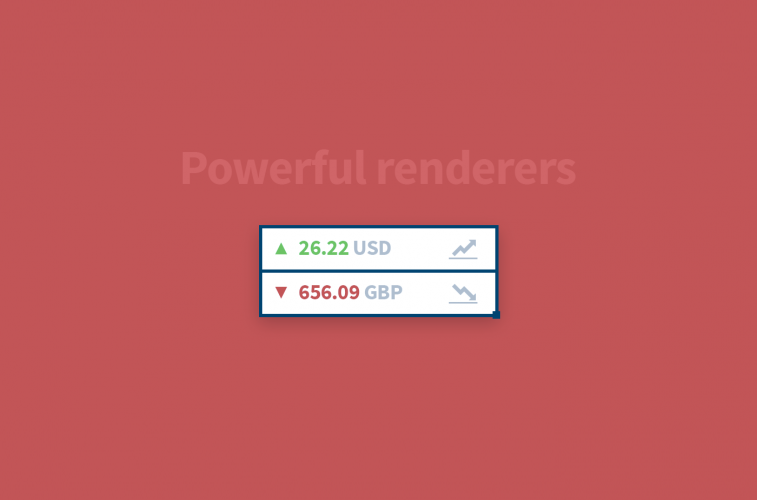
What a cell renderer is in Handsontable, which renderers ship with it, and how to write a custom renderer without hurting rendering performance.
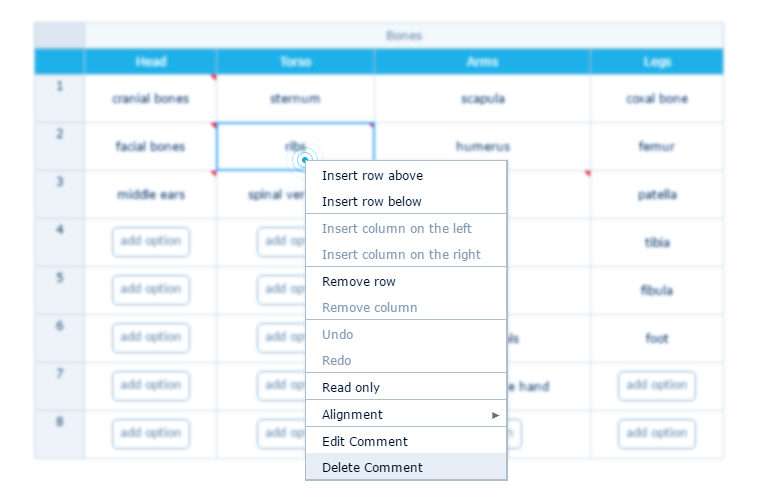
How to enable the Handsontable context menu, add predefined and custom items, disable entries, and what its limitations are.
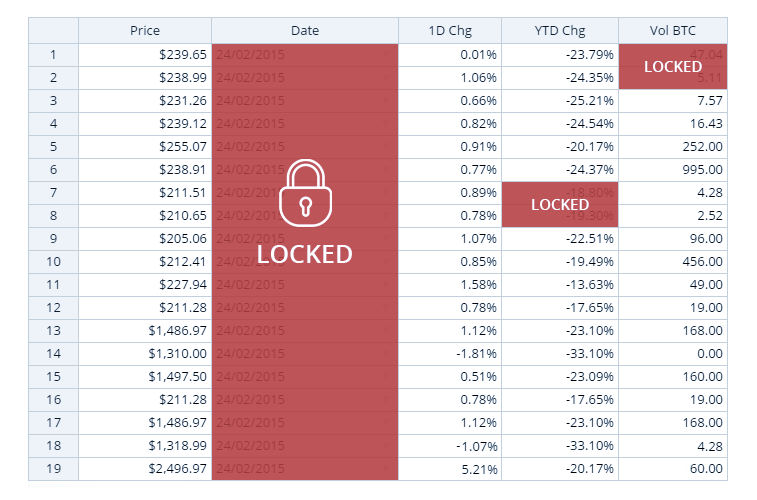
How to lock data in Handsontable with the readOnly option, applied to the whole grid, to columns, to rows or to individual cells.
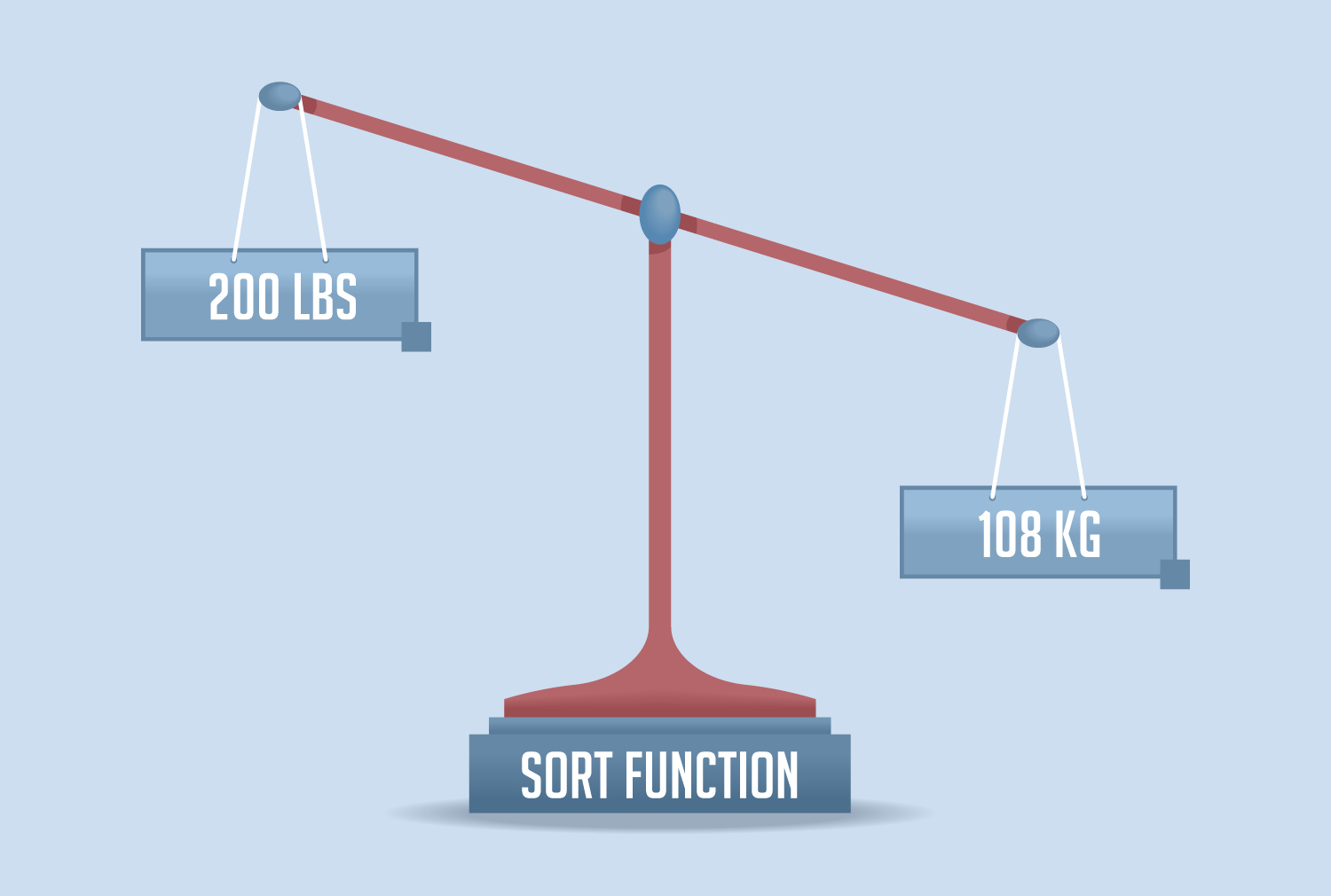
How to sort Handsontable columns that hold currencies, heights, weights, distances and areas by writing a custom sortFunction.
Let’s make it easier.
Smoother. Faster. All Handsontable.