
Excel previews, coming to Handsontable DataGrid
Spreadsheet Viewer ran on a 2020 fork of Handsontable and is no longer maintained. Handsontable DataGrid 19.0, coming soon, takes over its job on a current grid: it opens XLSX files in the browser and shows each sheet as a tab. XLSX export is available today.
- Coming soon: XLSX import
- Coming soon: a sheets bar
- Available today: XLSX export
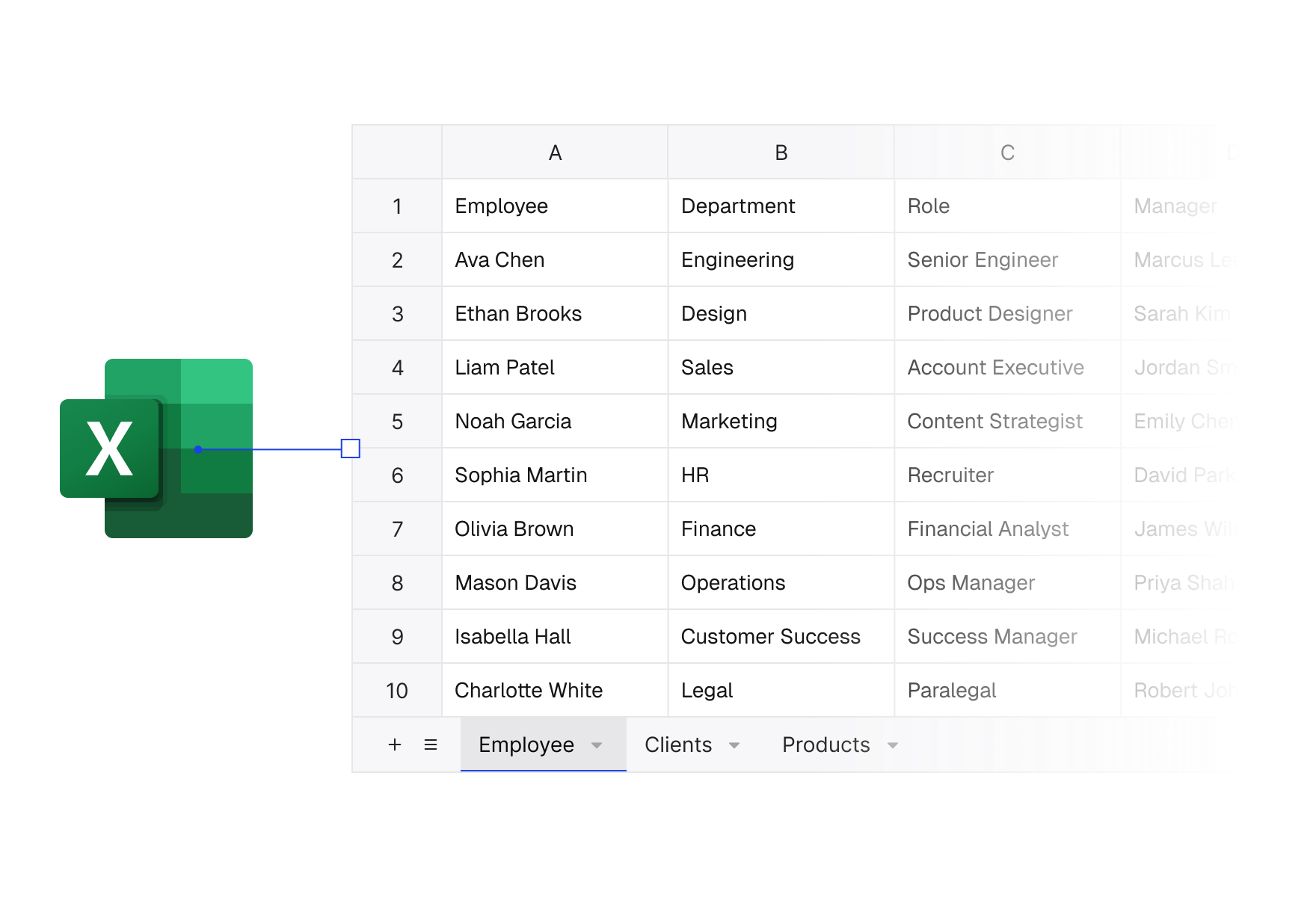
Why Spreadsheet Viewer stopped at 1.0.1
We released Spreadsheet Viewer 1.0.1 in October 2021, on a fork of Handsontable taken in 2020, before version 8.0. Rather than keep a second product running on an old core, we moved what you used it for into Handsontable DataGrid itself.
What the viewer did, the grid takes over
XLSX export ships today; XLSX import and the sheets bar are coming with Handsontable DataGrid 19.0.
Every sheet one click away
A workbook with several sheets opens with a sheets bar, the way Excel shows it. Users switch between sheets without you building tabs around the grid.
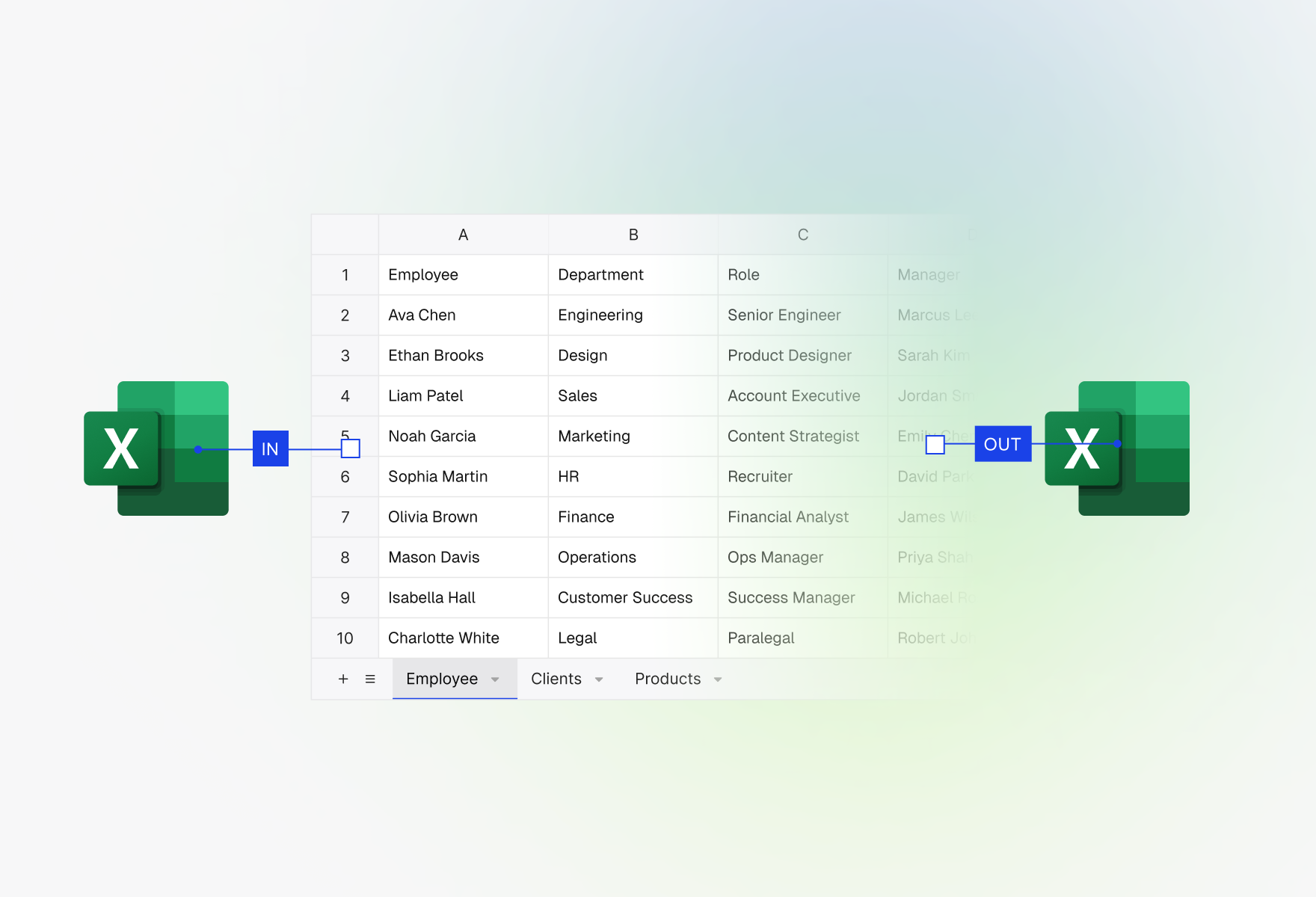
XLSX in, XLSX out
Load a workbook your users upload or your server sends, and Handsontable DataGrid reads it into the grid on the client. The file is never sent to a conversion service.
When a preview turns into an edit, users save the result as an XLSX file again, through the ExcelJS your app supplies.
- Runs in the browser, with no server round trip
- Works in React, Angular, Vue and plain JavaScript
Spreadsheet Viewer next to Handsontable DataGrid
The viewer’s features, and what a maintained grid adds to them.
| Spreadsheet Viewer1.0.1, October 2021 | DataGridMaintained | DataGrid + HyperFormulaWith the Formulas plugin | |
|---|---|---|---|
| Viewing files | |||
| Open XLSX files in the browser | Yes | Coming soon | Coming soon |
| One tab per sheet | Yes | Coming soon | Coming soon |
| Read-only display | Yes | Yes | Yes |
| Export to XLSX | No | Yes | Yes |
| Working with the data | |||
| Cell editing | No | Yes | Yes |
| Formulas recalculated live | No | No | Yes |
| Maintenance | |||
| Grid underneath | 2020 fork, pre-8.0 | Current | Current |
| Security fixes | No | Yes | Yes |
| Support plans | No | Yes | Yes |
XLSX import and the sheets bar are coming soon. Spreadsheet Viewer 1.0.1 stays available to download below, without updates.
Still running Spreadsheet Viewer?
The last release stays on GitHub for applications that already use it. It gets no updates, security fixes or support, and we do not recommend it for new projects.
- Version 1.0.1, released October 21, 2021
- Built on a 2020 fork of Handsontable, before 8.0
- An SDK in one ZIP file
Ready to move off Spreadsheet Viewer?
Evaluate Handsontable DataGrid for free, or tell us about the integration you are moving.