
HyperFormula 3.3.0: 20 New Functions, Memory Stability Improvements & New AI Integrations
· Updated
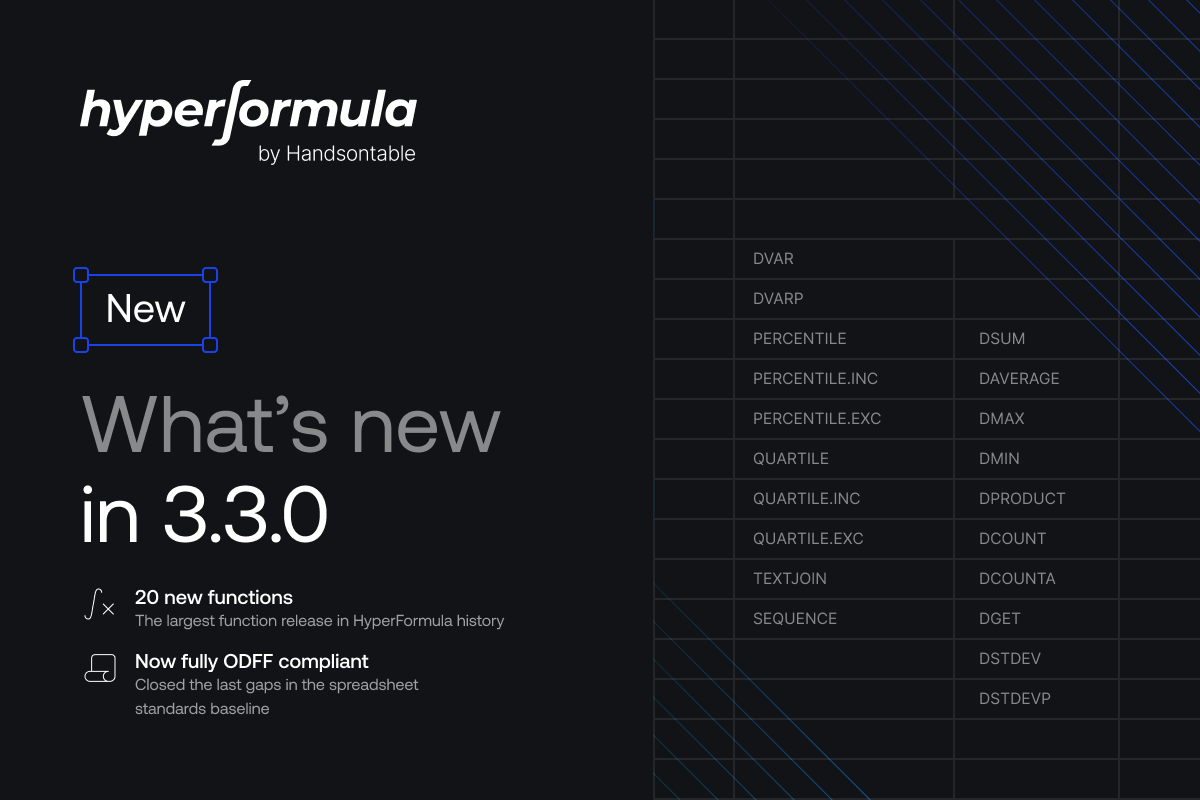
HyperFormula 3.3.0 is the largest function release in the project’s history, adding 20 new Excel-compatible functions in a single update.
This release closes major gaps in database querying, statistical analysis, and text manipulation, making HyperFormula fully compliant with the OpenDocument Formula Small Group Evaluator standard. Alongside the new functions, we resolved two memory leaks that affected long-running instances, and introduced a new configuration option to give developers more control over memory management. Additionally, we’ve begun working on AI integrations with Vercel’s AI SDK, LangChain, and MCP protocol– which will all be available for beta testing soon.
Database Functions: Querying Data Without Leaving the Formula Layer
The D* family of database functions let you perform calculations on structured data using criteria-based filtering within a formula, without needing external query logic.
HyperFormula 3.3.0 adds the complete set of 12 database functions:
- Aggregation: DSUM, DAVERAGE, DMAX, DMIN, DPRODUCT
- Counting: DCOUNT, DCOUNTA
- Retrieval: DGET
- Statistical: DSTDEV, DSTDEVP, DVAR, DVARP
Each function works by evaluating a field across a database range, returning results only for rows that match the specified criteria range. For example, DSUM can calculate the total revenue from a data set, but only for records where the region is “EMEA” and the deal size exceeds a threshold — all expressed as a single formula.
Adding the full D* family is part of a broader effort to support every Excel function in HyperFormula. These 12 functions were among the remaining gaps in the ODFF 1.3 Small Group Evaluator specification — a standards-body baseline for spreadsheet engine conformance. With this release, that checklist is now complete, and HyperFormula is now fully ODFF compliant.
PERCENTILE and QUARTILE Function Families
Statistical analysis is another area where Excel compatibility matters. HyperFormula 3.3.0 introduces six functions covering the standard percentile and quartile calculations, including the .INC and .EXC variants that control how boundary values are handled:
PERCENTILE, PERCENTILE.INC, PERCENTILE.EXCQUARTILE, QUARTILE.INC, QUARTILE.EXCThe .INC (inclusive) variants include the 0th and 100th percentiles in their range, matching Excel’s default behavior. The .EXC (exclusive) variants exclude these endpoints, which is often preferred in statistical contexts where boundary values would skew results.
These functions are essential for any application that deals with performance benchmarking, grading systems, or data distribution analysis where users expect Excel-consistent results.
TEXTJOIN: Flexible Text Concatenation
The new TEXTJOIN function concatenates text from multiple ranges or individual strings, using a specified delimiter and with the option to skip empty cells.
For example, =TEXTJOIN(", ", TRUE, A1:A5) joins all non-empty values in the range with a comma and space. The second argument controls whether empty cells are ignored — a practical detail that eliminates the trailing delimiters and gaps that plague manual concatenation approaches.
TEXTJOIN has been one of the more commonly requested functions, especially from teams working with label generation, address formatting, or any scenario where data from multiple cells needs to be combined into readable output.
SEQUENCE: Dynamic Array Generation
The SEQUENCE function generates an array of sequential numbers. It takes up to four arguments:
=SEQUENCE(rows, [columns], [start], [step])- rows — the number of rows to fill
- columns — the number of columns (defaults to 1)
- start — the first value in the sequence (defaults to 1)
- step — the increment between each value (defaults to 1)
For example,
=SEQUENCE(5, 1, 10, 2)produces a 5-row, single-column array: 10, 12, 14, 16, 18.
While simple in concept, SEQUENCE is a building block for more advanced patterns. It’s commonly used for row numbering, generating date series, creating multiplication tables, or populating test data — all without relying on helper columns or manual input.
Memory Leak Fixes and New Configuration Option
For applications that keep a HyperFormula instance running over extended periods — dashboards that update throughout the day, long-lived server processes, or collaborative editing sessions — memory stability is critical.
In this release, we identified and resolved two memory leaks:
- LazilyTransformingAstService: The internal array that tracks pending AST transformations was growing unboundedly. Each CRUD operation added entries, but they were never cleaned up until a full recalculation. In long-running sessions with frequent updates, this caused steadily increasing memory consumption.
- UndoRedo: When undo stack entries were evicted (due to the stack size limit), the associated oldData snapshots were not released. Over time, this created a second source of memory growth that was difficult to diagnose because it only appeared in applications with heavy edit activity.
Both leaks are now resolved. Additionally, we’ve introduced the maxPendingLazyTransformations configuration option, which lets you set an explicit threshold for how many transformations can accumulate before cleanup is triggered. This gives developers direct control over the trade-off between memory usage and recalculation frequency — useful for tuning behavior in resource-constrained environments.
New AI Integrations in Development
Most modern applications now rely on AI in some form, and we’re building HyperFormula to fit naturally into that ecosystem. Our team is working on seamless integrations with LLM-powered workflows, including dedicated wrappers and tooling that make it easier to combine deterministic spreadsheet calculations with modern AI applications.
We’re currently exploring three integration paths and would love your feedback on which ones matter most to your workflow:
- Vercel AI SDK Integration: Use HyperFormula as a tool within Vercel’s AI SDK, letting your AI application offload formula evaluation to a deterministic engine instead of relying on the model to compute results. Define spreadsheet-backed calculations as tool calls that your agent can invoke mid-conversation.
- LangChain Integration: Plug HyperFormula into LangChain tool chains so that agents can evaluate formulas, run what-if scenarios, and query structured data as part of a multi-step reasoning pipeline — with results that are reproducible and auditable.
- HyperFormula MCP Server: Expose HyperFormula as a Model Context Protocol server, giving any MCP-compatible AI assistant direct access to spreadsheet calculations. Load a workbook, evaluate formulas, and return results — all through a standardized interface that works across AI platforms.
These integrations are in the early design phase. If any of these match your use case, or if you have a different integration in mind, please reach out to join our early access program.
Release Notes
Added
- Added 12 database functions: DCOUNT, DSUM, DAVERAGE, DMAX, DMIN, DGET, DPRODUCT, DCOUNTA, DSTDEV, DSTDEVP, DVAR, DVARP. #1652
- Added new functions: PERCENTILE, PERCENTILE.INC, PERCENTILE.EXC, QUARTILE, QUARTILE.INC, QUARTILE.EXC. #1650
- Added a new function: TEXTJOIN. #1640
- Added a new function: SEQUENCE. #1645
- Added maxPendingLazyTransformations configuration option to control memory usage by limiting accumulated transformations before cleanup. #1629
Fixed
- Fixed a memory leak in LazilyTransformingAstService where the transformations array grew unboundedly, causing increasing memory usage over time. #1629
- Fixed a memory leak in UndoRedo where oldData entries for evicted undo stack entries were never cleaned up, causing increasing memory usage over time. #1629
- Fixed the IRR function returning #NUM! error when the initial investment significantly exceeds the sum of returns. #1628
- Fixed the ADDRESS function ignoring defaultValue when arguments are syntactically empty (e.g., =ADDRESS(2,3,,FALSE())). #1632